This is a simple browser-based utility that removes empty space from Joint Photographic Experts Group (JPG/JPEG) pictures. As soon as you paste a JPG/JPEG picture in the input area, the utility will delete the specified amount of surrounding space. In the options, you can set how many pixels to remove from each side or fine-tune the deletion using the interactive preview. Created by mad scientists from team Browserling.
This is a simple browser-based utility that removes empty space from Joint Photographic Experts Group (JPG/JPEG) pictures. As soon as you paste a JPG/JPEG picture in the input area, the utility will delete the specified amount of surrounding space. In the options, you can set how many pixels to remove from each side or fine-tune the deletion using the interactive preview. Created by mad scientists from team Browserling.

This online tool deletes the empty space around JPEG/JPG images. Unused areas around the image often appear after editing, scanning, or exporting JPEGs from software. They enlarge the image visually and increase the file size. The tool removes excess white, black, or colored space around the image content, producing a cleaner, more compact JPEG. You can independently delete space from the left, right, top, and bottom sides by entering the number of pixels to remove in the options. An interactive preview lets you visually adjust the removal area. You can move the boundaries directly in the preview and delete as much empty space as needed. The "Re-process Space Deletion" option reloads the processed JPEG into the input area and lets you apply the empty space removal a second time. This is useful when the first pass removes most of the space of a JPG, but you need to fine-tune the boundaries more accurately. If instead you want to add space around a JPEG image, you can use the Wrap a JPG in Empty Space tool. Jpgabulous!
This online tool deletes the empty space around JPEG/JPG images. Unused areas around the image often appear after editing, scanning, or exporting JPEGs from software. They enlarge the image visually and increase the file size. The tool removes excess white, black, or colored space around the image content, producing a cleaner, more compact JPEG. You can independently delete space from the left, right, top, and bottom sides by entering the number of pixels to remove in the options. An interactive preview lets you visually adjust the removal area. You can move the boundaries directly in the preview and delete as much empty space as needed. The "Re-process Space Deletion" option reloads the processed JPEG into the input area and lets you apply the empty space removal a second time. This is useful when the first pass removes most of the space of a JPG, but you need to fine-tune the boundaries more accurately. If instead you want to add space around a JPEG image, you can use the Wrap a JPG in Empty Space tool. Jpgabulous!
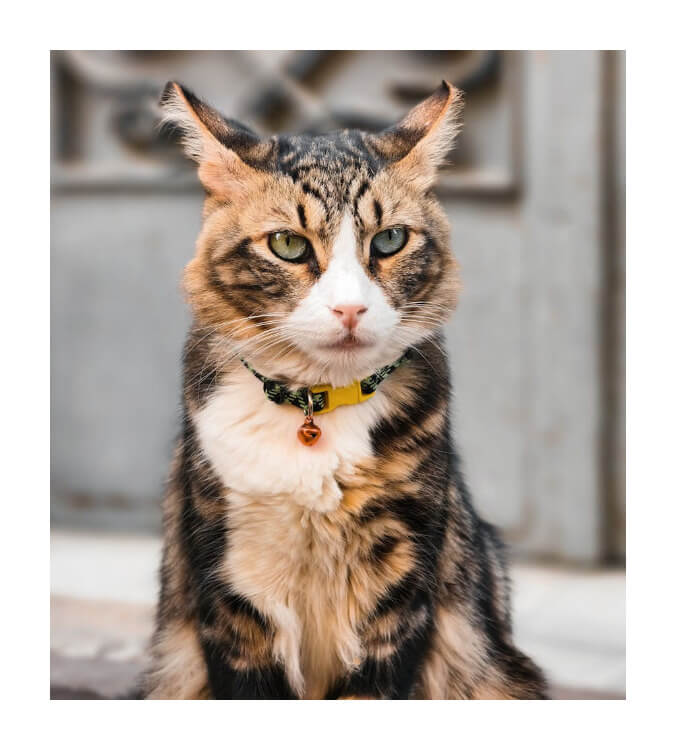
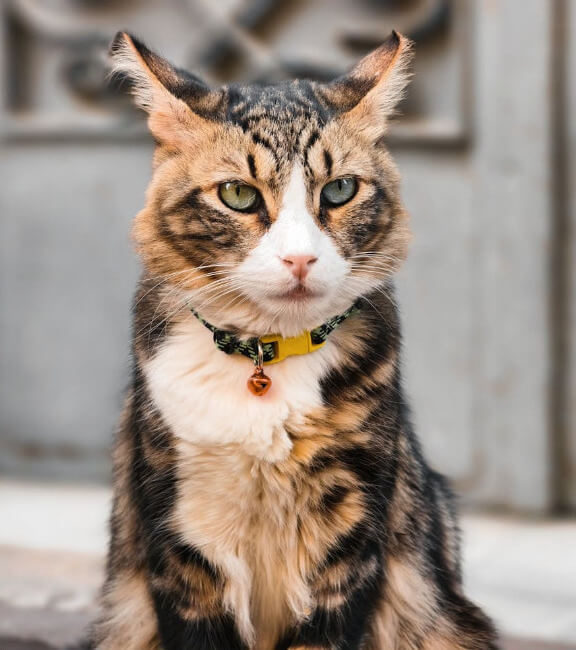
In this example, we remove the white space that serves as a technical border for photo printing. Since these extra edges are unnecessary for digital viewing, we subtract 50 pixels from all four sides of the cat's JPEG. (Source: Pexels.)
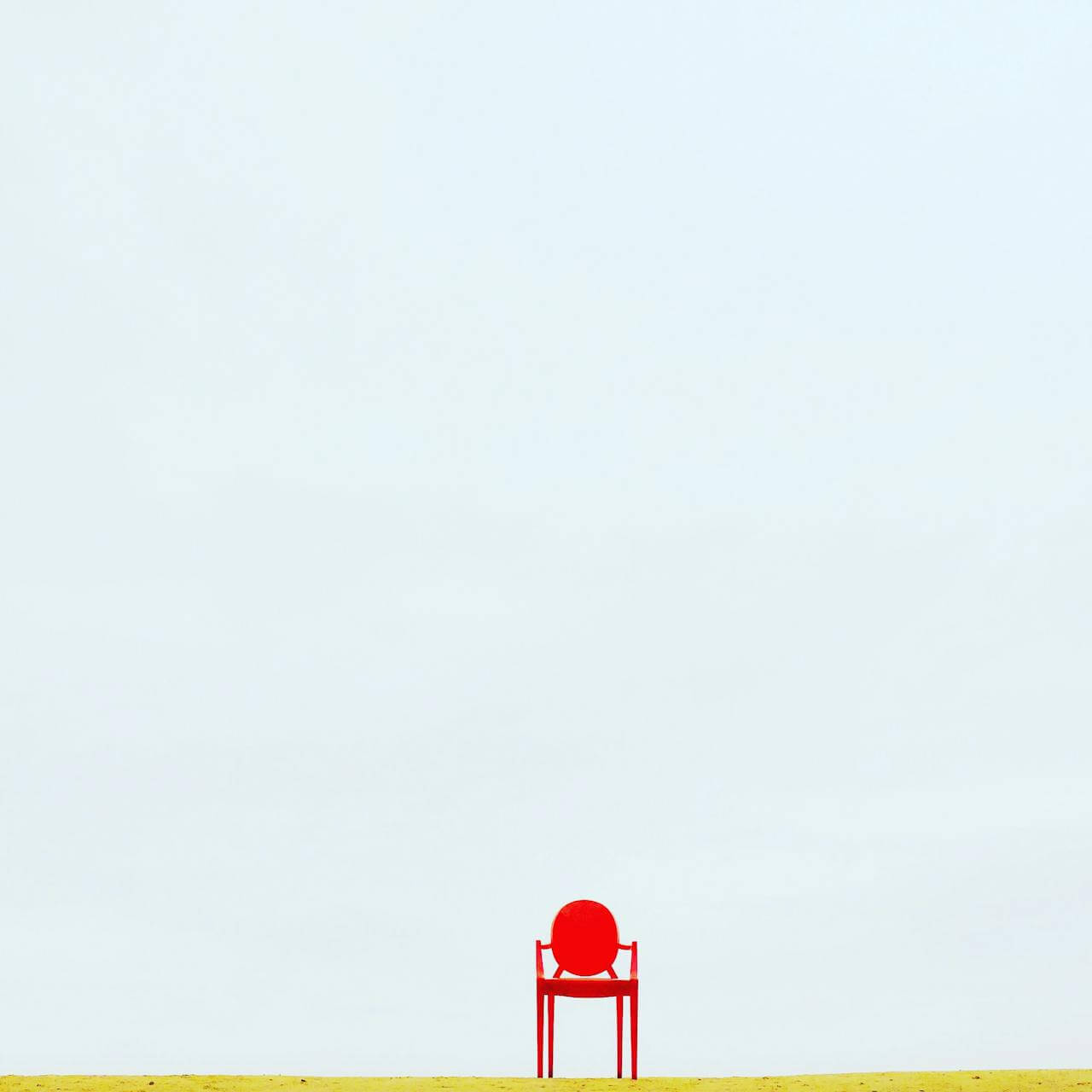
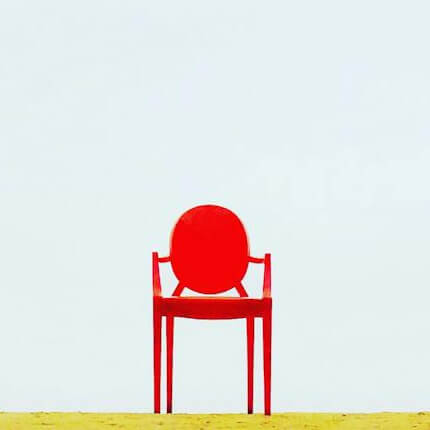
In this example, we remove a large amount of unused space around a JPG image of a red armchair. The empty area does not contain important content but makes the image unnecessarily large. We delete 476 pixels from the left, 374 from the right, and 850 from the top, while keeping the bottom unchanged. As a result, the image size changes from 1280×1280 to a compact 430×430 JPEG. (Source: Pexels.)
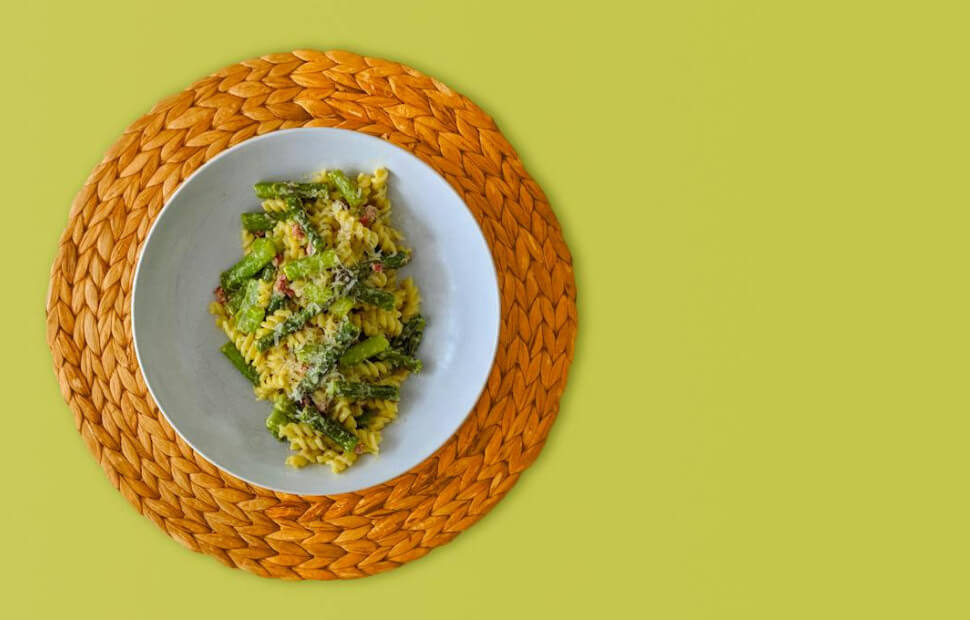
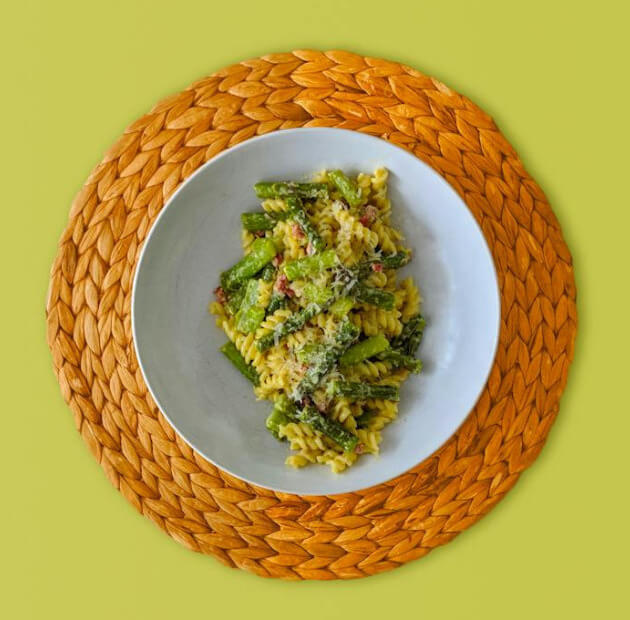
In this example, we clear out 340 pixels of empty space from the right side of a culinary JPEG. The extra area originally serves as a place for recipe notes or cooking instructions next to the photo. Since we only need the food picture itself, we remove empty space from the right side while keeping the other sides unchanged. (Source: Pexels.)
Edit JPG pictures in your browser.
Shift a JPEG to the right or left.
Extract a part of a JPEG picture.
Split a JPG into multiple smaller JPEGs.
Join multiple JPEGs together to create a single image.
Convert a JPEG picture to a smaller preview thumbnail.
Convert a baseline JPEG to an interlaced JPEG.
Convert an interlaced JPG to a baseline JPG.
Create a PDF document from one or more JPG pictures.
Extract PDF pages as JPG pictures.
Create an EPS file from a JPG picture.
Create a JPG picture from an EPS file.
Convert JPEG photos to JPG 2000 photos.
Convert JPEG 2000 images to JPG images.
Convert JPEG images to ICO icons.
Convert ICO icons to JPG images.
Convert JPEG images to TIFF images.
Convert TIFF images to JPG images.
Convert JPG pictures to QOI (Quote OK Image Format) pictures.
Convert QUI pictures to JPG pictures.
Convert JPEG images to PIK images.
Convert a PIK image to a JPG image.
Convert a JPEG image to a PPM image.
Convert a PPM image to a JPG image.
Convert a JPEG image to a BPG image.
Convert a BPG image to a JPG image.
Convert a JPEG image to raw RGB values.
Convert raw RGB values to a JPG image.
Convert a JPG image to raw RGBA values.
Convert raw RGBA values to a JPEG image.
Convert a JPG image to raw ARGB values.
Convert raw ARGB values to a JPEG image.
Convert a JPEG image to raw BGR values.
Convert raw BGR values to a JPG image.
Convert a JPEG image to raw BGRA values.
Convert raw BGRA values to a JPG image.
Convert a JPEG image to raw ABGR values.
Convert raw ABGR values to a JPG image.
Convert a JPEG image to a FLIF image.
Convert a FLIF image to a JPG image.
Convert a JPEG image to an AVIF (AV1) image.
Convert an AVIF (AV1) image to a JPG image.
Convert multiple JPGs to a GIF animation.
Convert multiple JPGs to an APNG animation.
Convert multiple JPGs to a Webp animation.
Create an Excel spreadsheet with colored cells from a JPEG.
Combine two JPG/JPEG pictures together.
Load a JPG slowly pixel-line by pixel-line.
Generate a one-color JPEG of any size.
Randomize bytes in a JPEG and create a glitched JPEG.
Increase the quality of a JPEG picture.
Apply the watercolor effect on a JPG photo.
Convert a JPG to an ASCII art image.
Convert an ASCII drawing into a JPEG drawing.
Convert a JPEG to an ANSI art image.
Convert an ANSI drawing to a JPEG drawing.
Change the filename of a JPG.
Create a mirror copy of a JPG image.
Create convert the given JPG into a symmetric JPG.
Apply a color quantization algorithm on a JPG picture.
Add sound to a JPG picture.
Try to recover a JPG that has been damaged.
Show the hidden metadata (EXIF info) in a JPEG picture.
Add hidden metadata (EXIF info) to a JPEG picture.
Remove the hidden metadata (EXIF info) from a JPEG picture.
Insert a hidden comment in a JPG picture (as EXIF entry).
Find positions of certain pixels in a JPEG.
Replace certain pixels in a JPEG.
Delete certain pixels in a JPEG.
Swap every two pixels in a JPEG row-wise or column-wise.
Swap pixel blocks of any size in JPEG rows or columns.
Add errors to a JPEG and produce a modified picture.
Find differences between two JPG pictures.
View JPEG pictures in your browser.
Subscribe to our updates. We'll let you know when we release new tools and features, and when we organize online workshops.
Enter your email here
We're Browserling — a friendly and fun cross-browser testing company powered by alien technology. At Browserling we love to make people's lives easier, so we created this collection of online JPG tools. Our tools have the simplest possible user interface that is focused on getting things done. People love our tools and they are now used by millions of people every month. Our JPG tools are actually powered by our web developer tools that we created over the last couple of years. Check them out!